5. Connect your queries to your UI
In this chapter, you are going to display a list of Launch Sites in a LazyColumn.
Configure LaunchListAdapter
In LaunchList, declare a list of LaunchListQuery.Launch, initialized as empty:
app/src/main/java/com/example/rocketreserver/LaunchList.kt
@Composablefun LaunchList(onLaunchClick: (launchId: String) -> Unit) {var launchList by remember { mutableStateOf(emptyList<LaunchListQuery.Launch>()) }
LaunchListQuery.Launch is a typesafe generated model from your LaunchList.graphql query.
Make a UI for the items
Update the LaunchItem composable to pass it a LaunchListQuery.Launch and display the id:
app/src/main/java/com/example/rocketreserver/LaunchList.kt
@Composableprivate fun LaunchItem(launch: LaunchListQuery.Launch, onClick: (launchId: String) -> Unit) {ListItem(modifier = Modifier.clickable { onClick(launch.id) },headlineText = {// Mission nameText(text = "Launch ${launch.id}")},
Use the data in the list
Fill launchList with the data from the response, and use it in the LazyColumn:
app/src/main/java/com/example/rocketreserver/LaunchList.kt
@Composablefun LaunchList(onLaunchClick: (launchId: String) -> Unit) {var launchList by remember { mutableStateOf(emptyList<LaunchListQuery.Launch>()) }LaunchedEffect(Unit) {val response = apolloClient.query(LaunchListQuery()).execute()launchList = response.data?.launches?.launches?.filterNotNull() ?: emptyList()}LazyColumn {items(launchList) { launch ->LaunchItem(launch = launch, onClick = onLaunchClick)}}}
Note: the .filterNotNull() is necessary because the schema defines launches as a list of nullable Launch objects.
Test your query
Hit the Run button. You now have a UI connected to your GraphQL queries 🚀
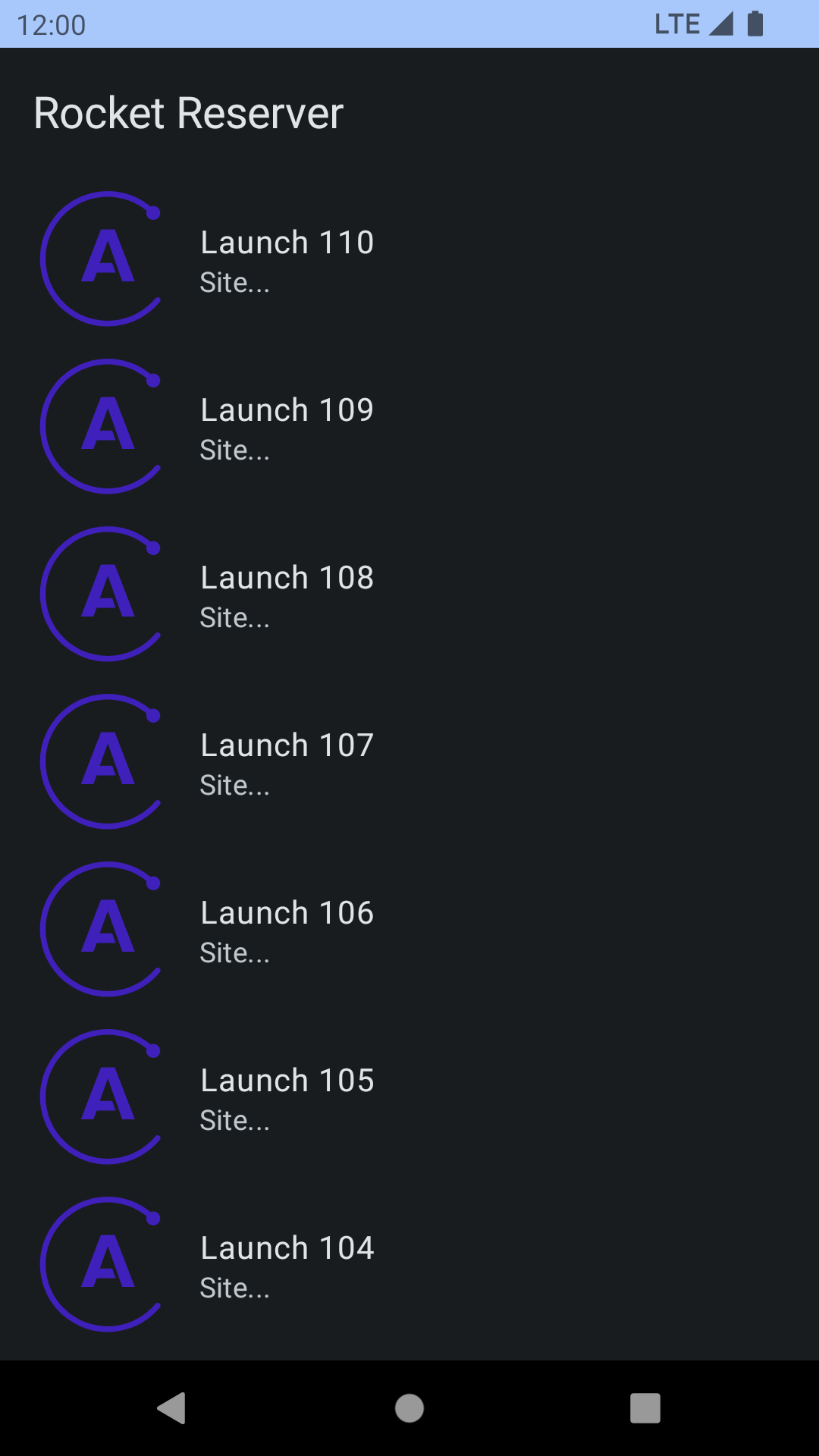
It looks a bit plain, though. Next, you'll add more info to the list to make it look nicer!